Helping you Develop Your Skills

How can 30+ years of creative teaching experience help you understand design tools today?

Elias Sarantopoulos is a digital tools trainer and educator with over three decades of experience helping people grow creatively. His online design courses in graphic design, animation, and photography. His tutorials on Skillshare, Udemy, and YouTube help creatives master Adobe Illustrator, Affinity Designer, After Effects, and InDesign.

Explore downloadable resources, branding insights, and hands-on lessons tailored for designers, educators, and creative professionals. Browse Elias's Online Design Courses to elevate your creative workflow.
Bootstrap 5 Course at Udemy

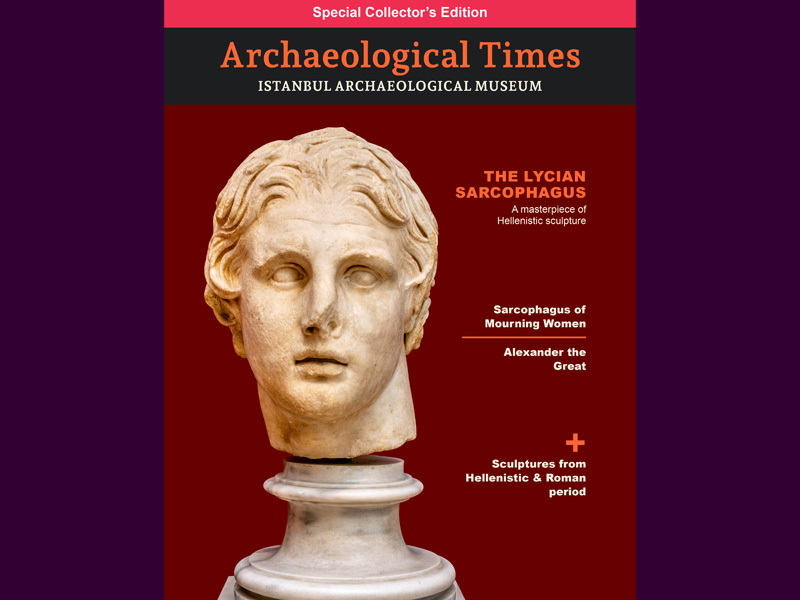
Master the art of professional publication design and learn InDesign the right way by building a complete, multi-page magazine from scratch. This comprehensive course guides you through foundational document setup, teaching you how to establish precise grids based on your body text's leading value to ensure flawless alignment, professional margins, and consistent typography across every spread.

Whether you are crafting a publication for a school project, building your design portfolio, or launching a personal magazine, you will gain hands-on experience structuring everything from essential body text, hyphenation, and baselines to eye-catching folios.

Course Details
After Effects

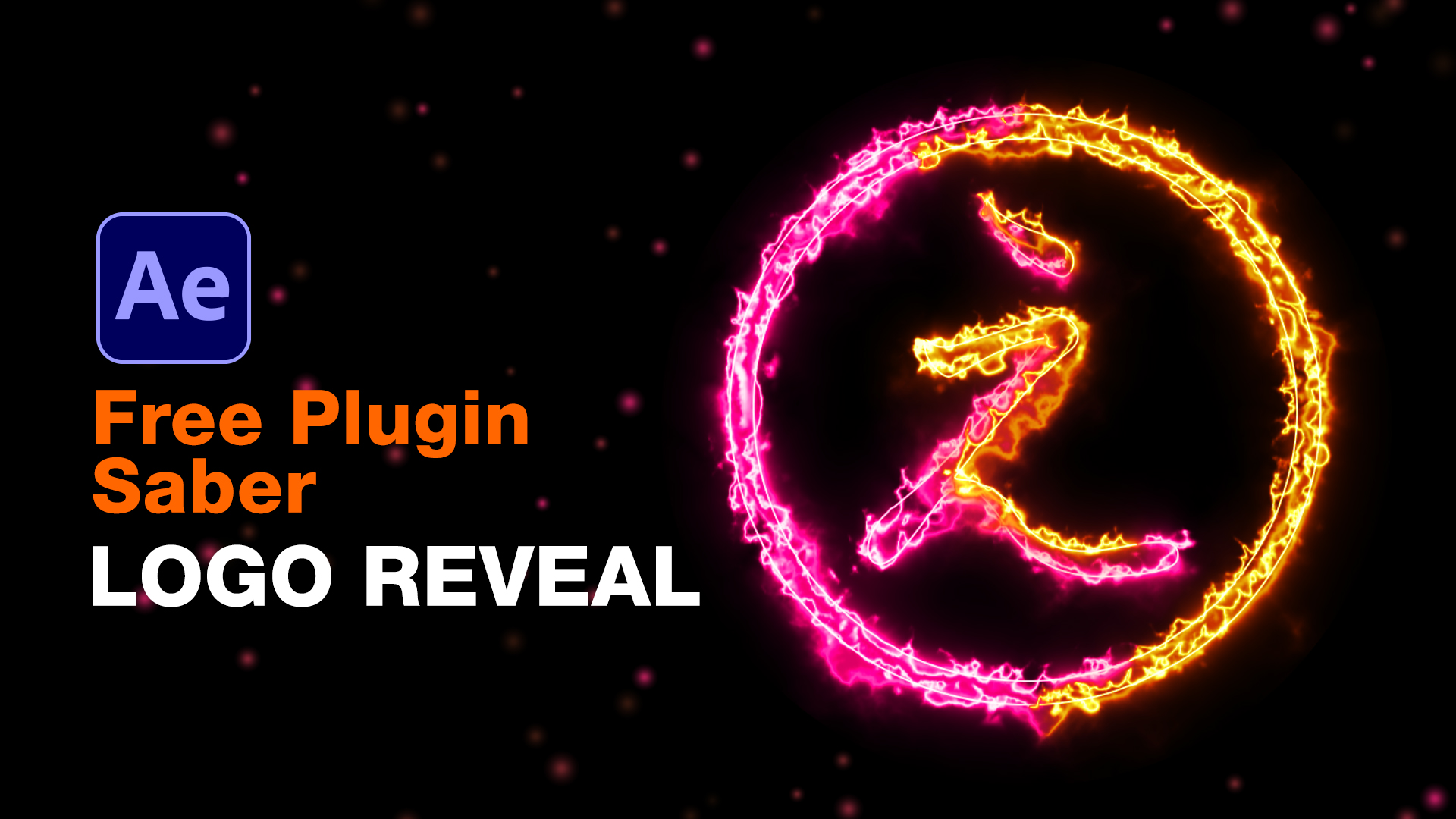
Saber Plugin Logo Reveal After Effects

Saber Plugin Tutorial, Logo Reveal After Effects. How to create a dynamic logo reveal animation with Saber plugin, using a fractal noise texture to reveal logo, add free particles and 3D camera.

Learn More
Saber Plugin Tutorial, Logo Reveal After Effects
Adobe Illustrator

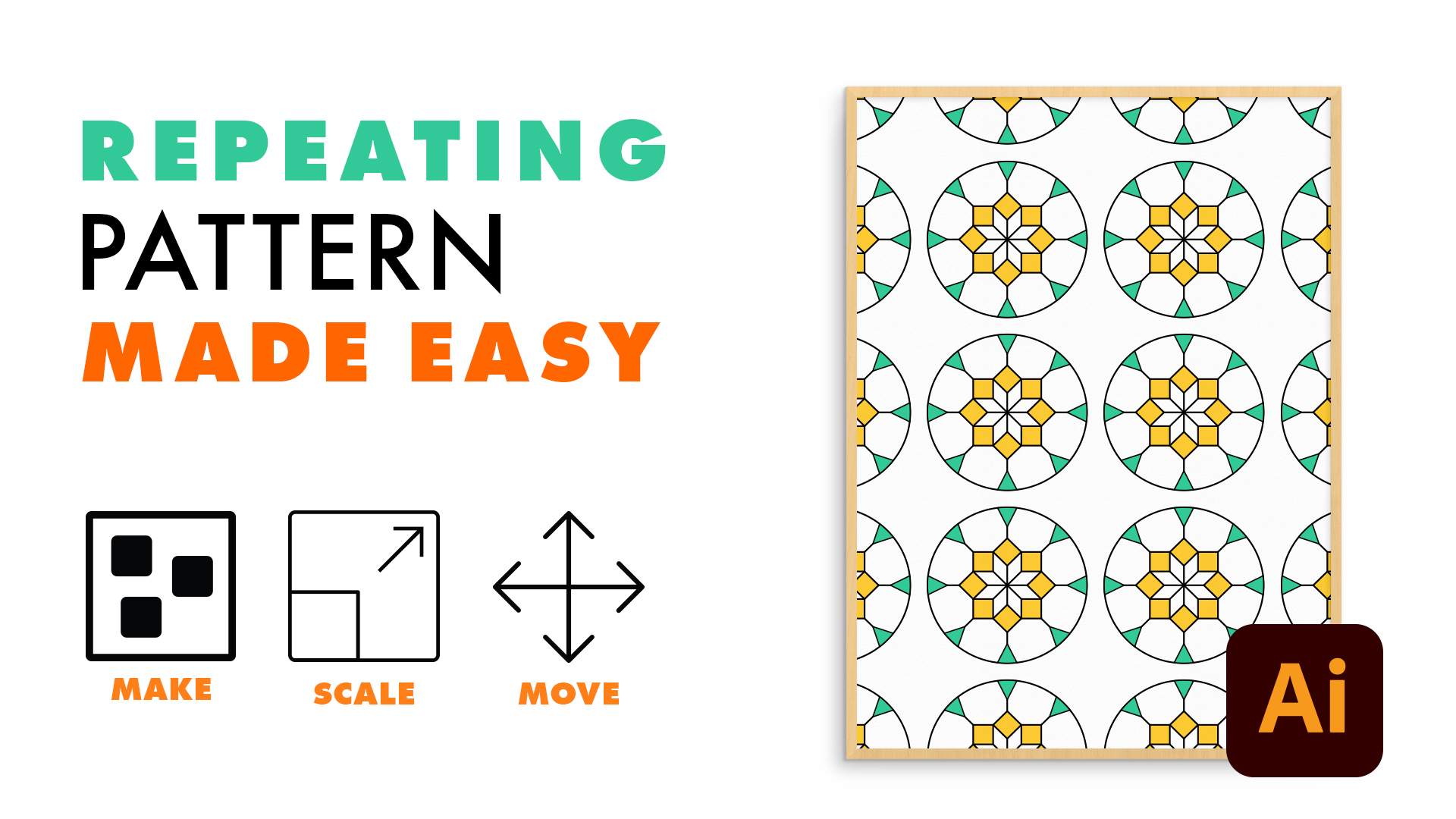
Illustrator Repeating Pattern Made Easy

How to create a repeating pattern based on simple shapes, a custom Grid, and how to scale and move it within a given space.

Learn More
Illustrator Repeating Pattern Made Easy
Affinity Designer

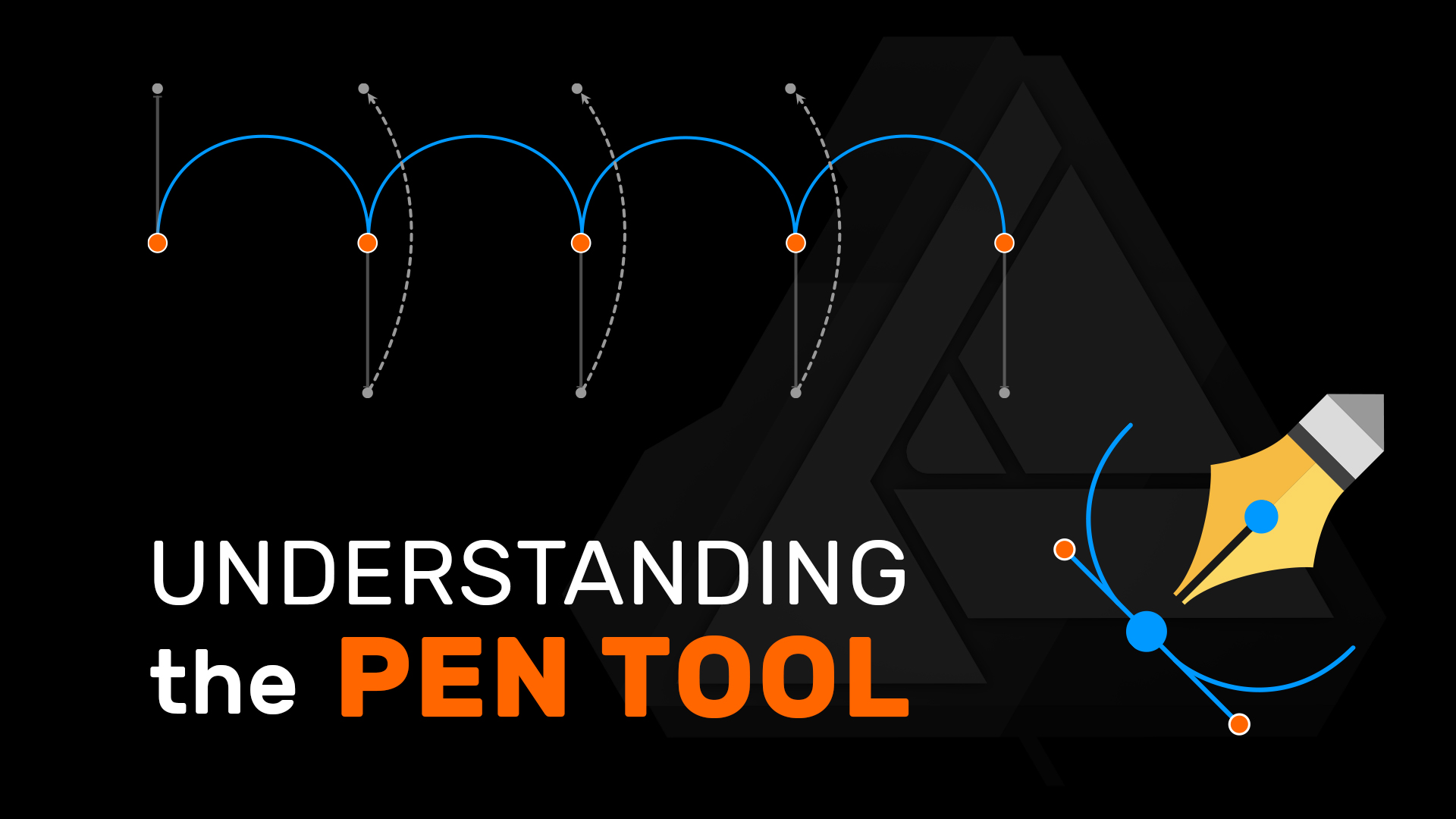
Affinity Designer Pen Tool

Understanding the powerful Pen tool in Affinity Designer 2 with its different Modes, Actions, and Gestures.

Learn More
Affinity Designer Pen Tool